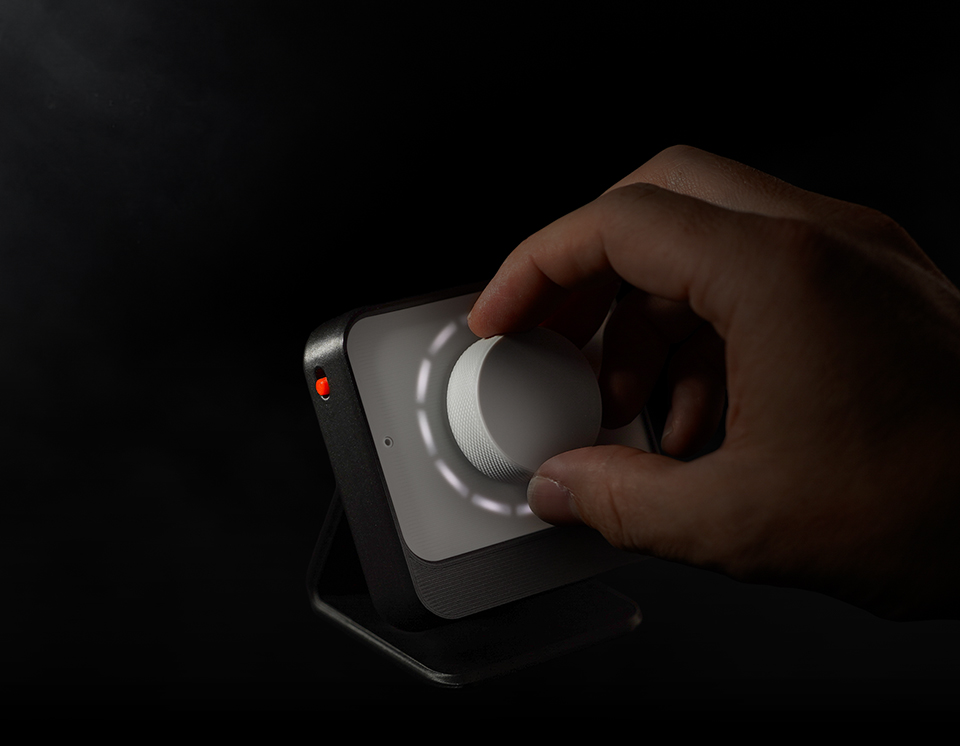
Voice control
you can touch.
Pivot transforms the Home Assistant Voice Preview Edition (VPE) into a tactile control dial for lights, media, climate, timers, scenes and more. Use it with your existing VPE, or build a more refined version with the Pivot Dial enclosure.
Not every control needs a screen.
Not every command needs a conversation.
Pivot exists to give the Home Assistant Voice
a more purposeful place in the home;
something you can reach for, speak to,
and understand at a glance.
How it works.
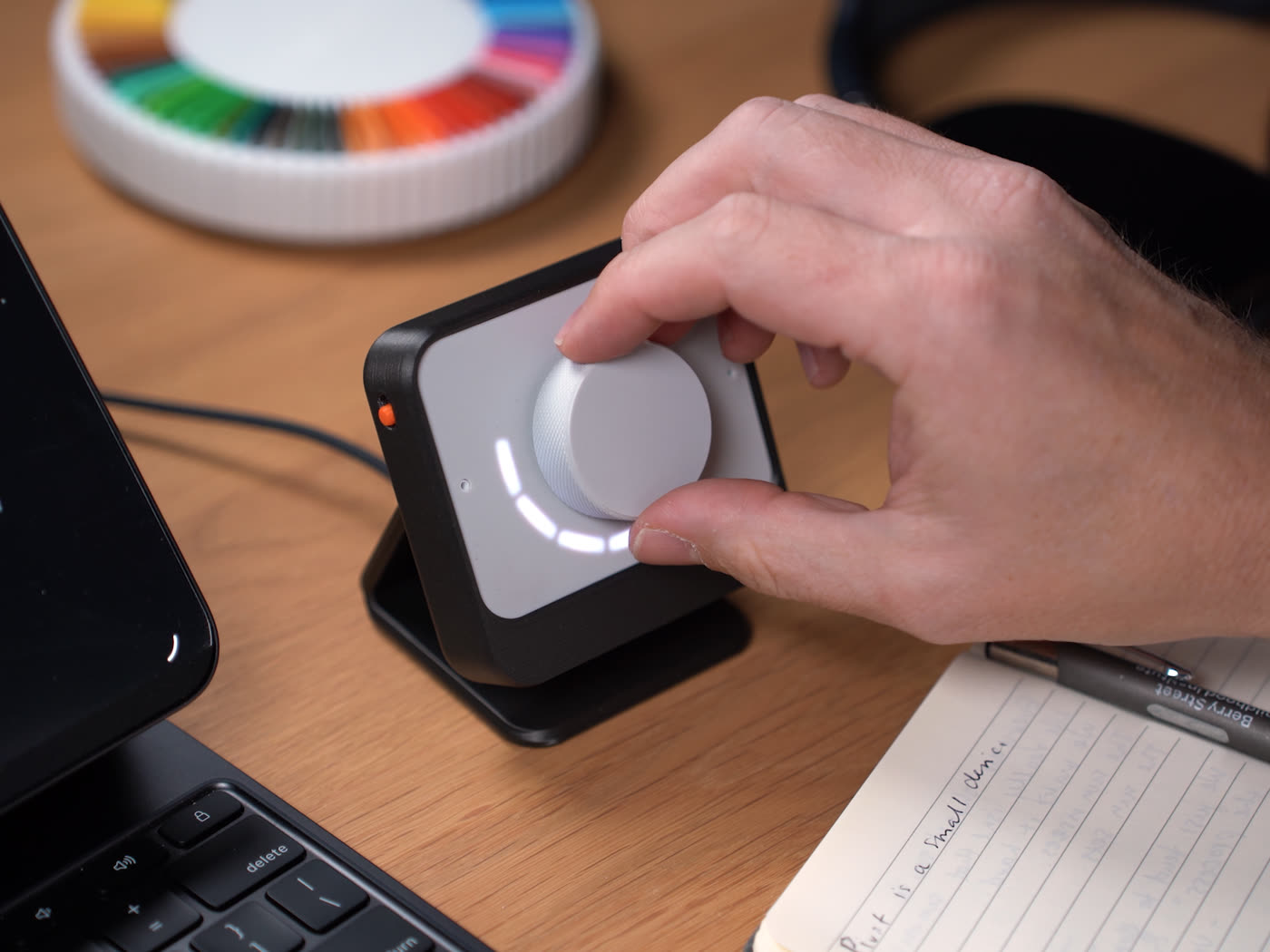
Rotate the dial to adjust any value – brightness, volume, temperature and more.
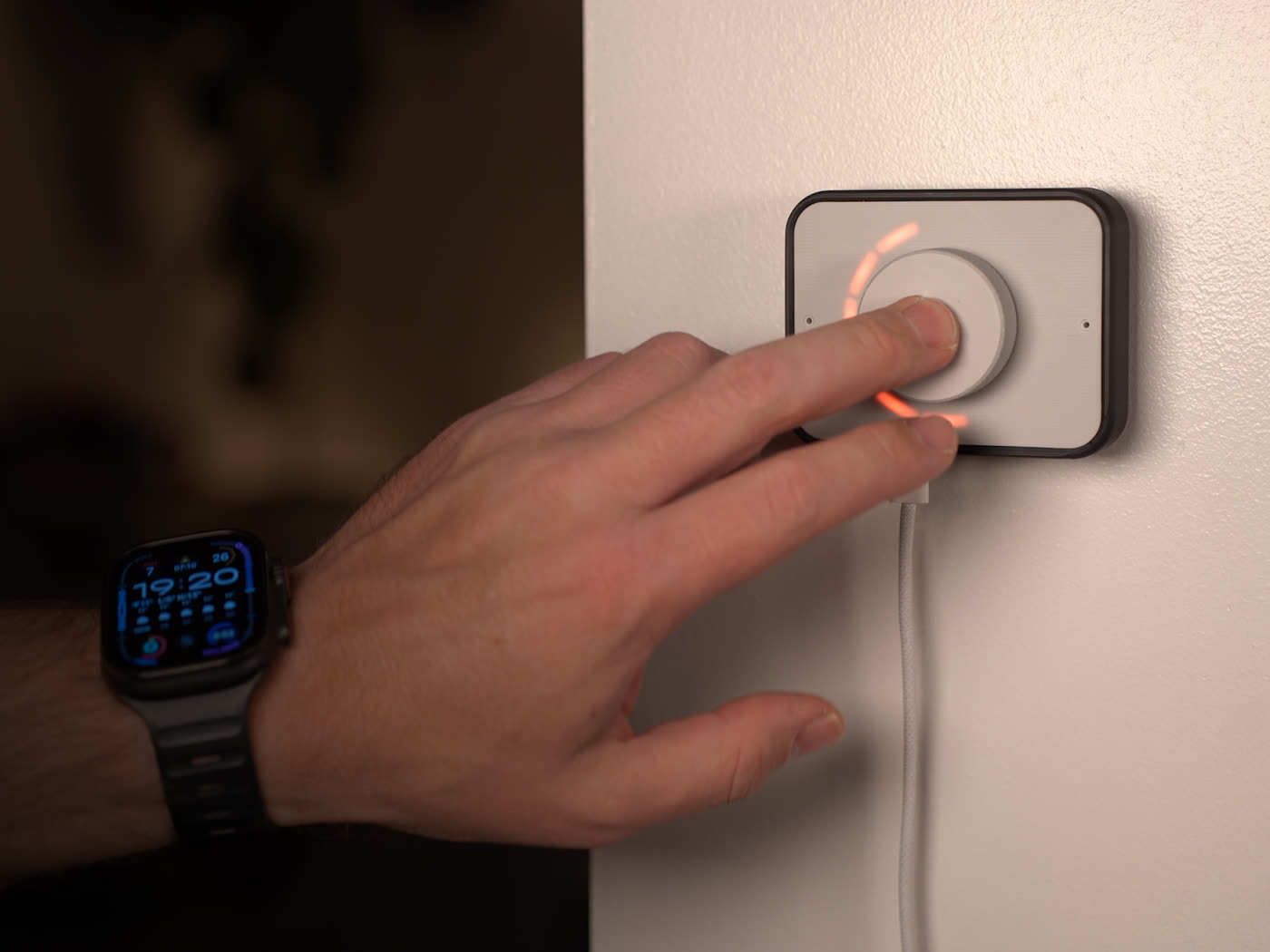
A single press toggles a device, or activates a scene or script.
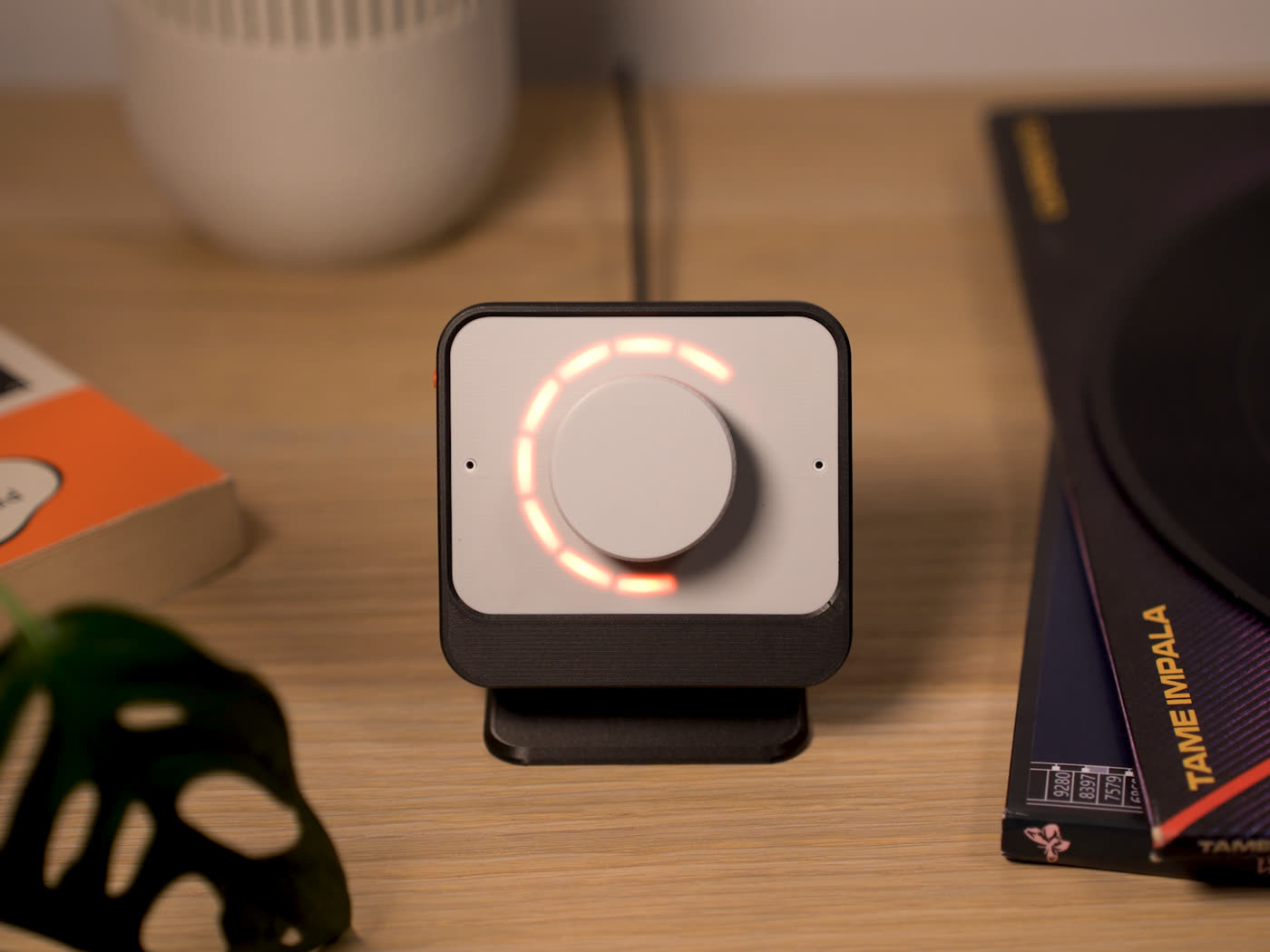
The LED ring lets you read value at a glance, with colour and fill that reflect what's being controlled.
One dial.
Four assignable banks.
Pivot provides four assignable banks, each linked to an entity, scene or script in Home Assistant. Hold and turn the dial to move between banks. The LED ring shows which bank is active, along with the current value.
Quick control for
everyday moments.
The Pivot ecosystem is made up of four parts, each designed to complement one another.
Start with the Pivot Dial as a refined enclosure for your VPE, install the firmware and integration for custom control, or bring them together for the full experience.
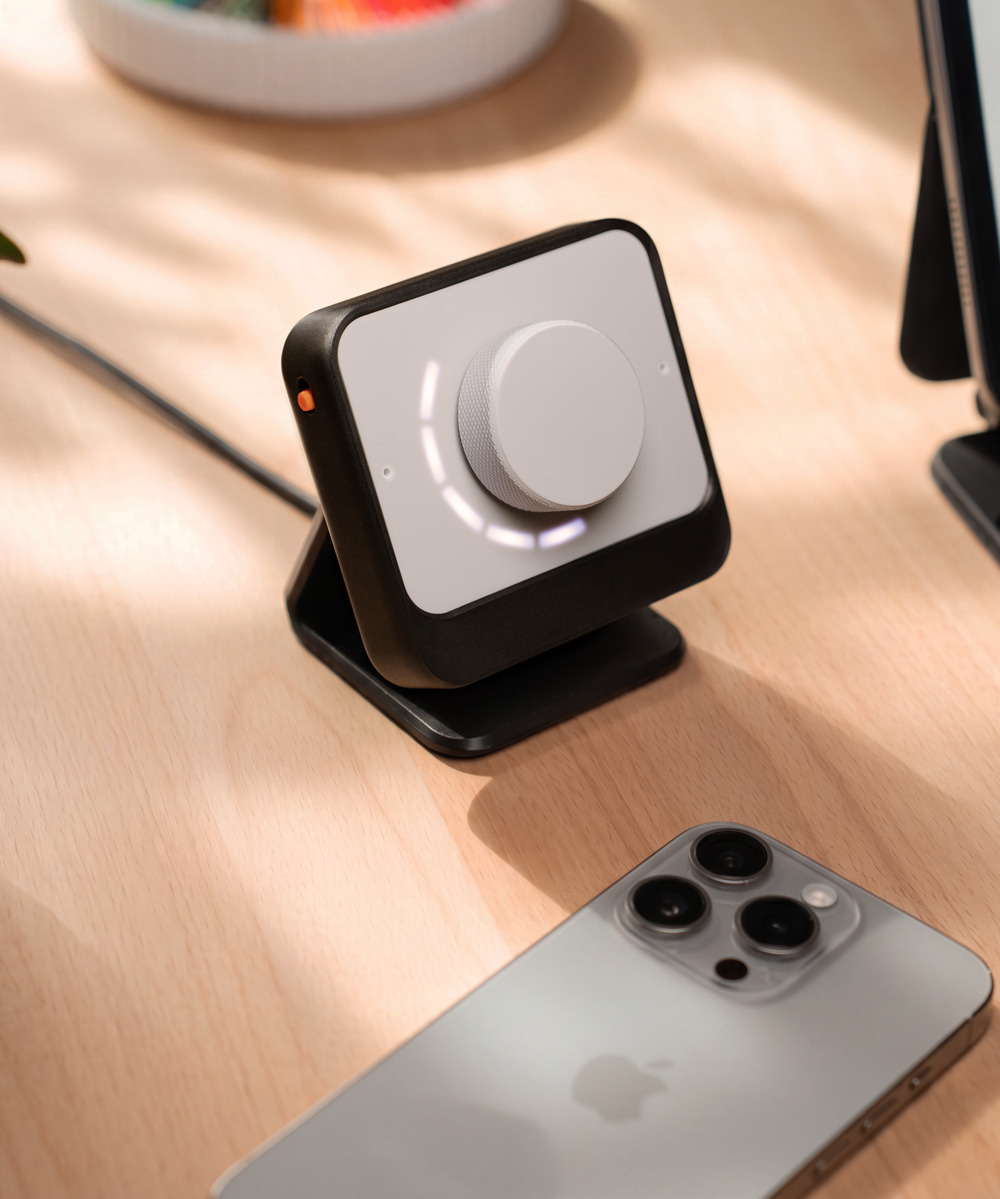
Meet the Pivot Dial.
A tactile enclosure for the Home Assistant Voice Preview Edition. Designed around touch, feedback and everyday placement.
The VPE enclosure,
reimagined.
Pivot Dial reshapes the Home Assistant Voice Preview Edition around the way it’s used within the Pivot ecosystem, with the dial brought forward for control, the LED ring more clearly defined for glanceable feedback, and an upright design for better voice pickup.
A better position
for everyday control.
Pivot Dial offers two body styles and a set of mount options, so the VPE can sit where it makes the most sense for your space.
The upright body provides a more visible, angled control point with cleaner cable concealment, while the shortened body suits a lower-profile desk or wall placement.
The firmware also lets you set the LED orientation to match the body and mount, so the light ring displays the right way up in any position.
Printed your way.
Pivot Dial is made to be 3D printed, giving you more control over how the hardware looks and feels in your space.
Keep it quiet and minimal, give the dial a stronger presence, or choose a mount / body style that better suits your room. Differences in colour, material or placement can change the character of the device without changing how it works.
Because the files can be modified, Pivot Dial can keep evolving, whether you want to refine a detail, adjust the form, or adapt it to your own setup.
Know how Pivot fits together.
Pivot is designed to be understood, not treated like a black box. It builds on the existing Home Assistant Voice Preview Edition firmware, keeps core functionality as intact as possible, and separates hardware, firmware, integration and dashboard into layers you can inspect, use, remove, or roll back at any time.
That same thinking carries through to the physical side – you can print the parts yourself, reassemble your original VPE enclosure if you change your mind, and choose how far you want to take the Pivot ecosystem.